












Overview
Windows 11 Home එකේ Local Group Policy Editor (gpedit.msc) නෑ, නමුත් policy components OS එක්කම එනවා. මේ guide එකෙන් එය enable කරන හැටි පෙන්නනවා, safe, built-in DISM command එකක් පාවිච්චි කරලා — third-party installer එකක් අවශ්ය නෑ.
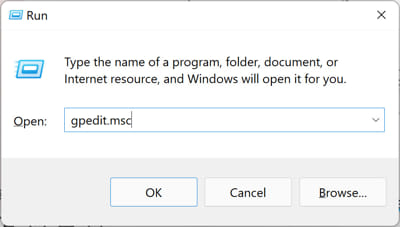
Group Policy Editor එක open කිරීම.
Key Takeaways
- gpedit.msc default විදිහට Windows Home එකේ නෑ.
- DISM command එකකින් built-in policy packages install වෙනවා.
- Third-party download එකක් අවශ්ය නෑ.
- Policy Plus කියන්නේ safe alternative editor එකක්.
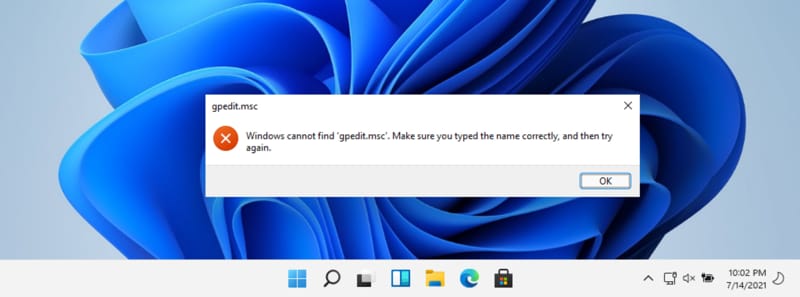
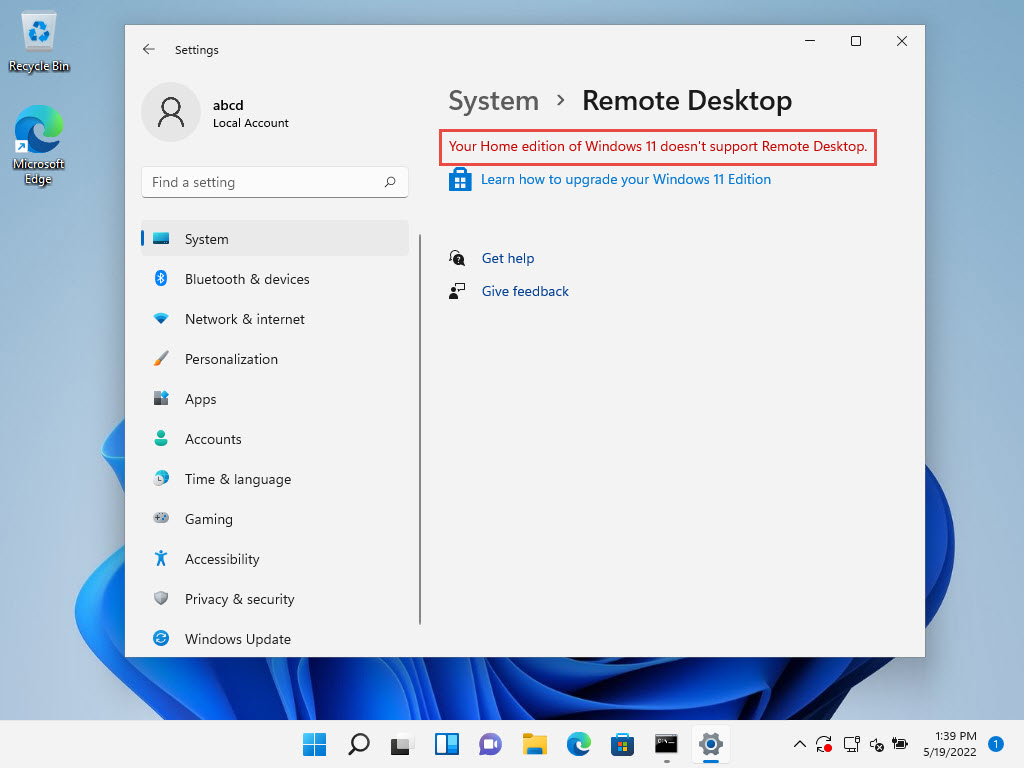
Home එකේ "cannot find gpedit.msc" prompt එක.
Enable gpedit.msc with DISM (Recommended)
1. Notepad open කරලා, ClientTools සහ ClientExtensions Group Policy packages add කරන්න DISM run කරන batch script එකක් paste කරන්න.
2. එය gpedit-enable.bat විදිහට save කරන්න.
3. File එක right-click කරලා "Run as administrator" තෝරන්න.
4. DISM packages install කරනකම් ඉන්න, ඊට පස්සේ reboot කරන්න.
Note: මේ method එක Microsoft ගේම in-box packages DISM (FoD) හරහා use කරනවා, ඒ නිසා external files download වෙන්නේ නෑ.
Alternative: Command Prompt Commands
1. Command Prompt එක administrator විදිහට open කරන්න.
2. Microsoft-Windows-GroupPolicy-ClientTools සහ ClientExtensions packages add කරන DISM /Online /Add-Package commands දෙක run කරන්න.
3. PC එක restart කරන්න.
Open the Group Policy Editor
1. Windows + R press කරලා, gpedit.msc type කරලා, Enter press කරන්න.
2. Local Group Policy Editor එක open වෙනවා.
3. Changes කරලා, apply කරන්න gpupdate /force run කරන්න.
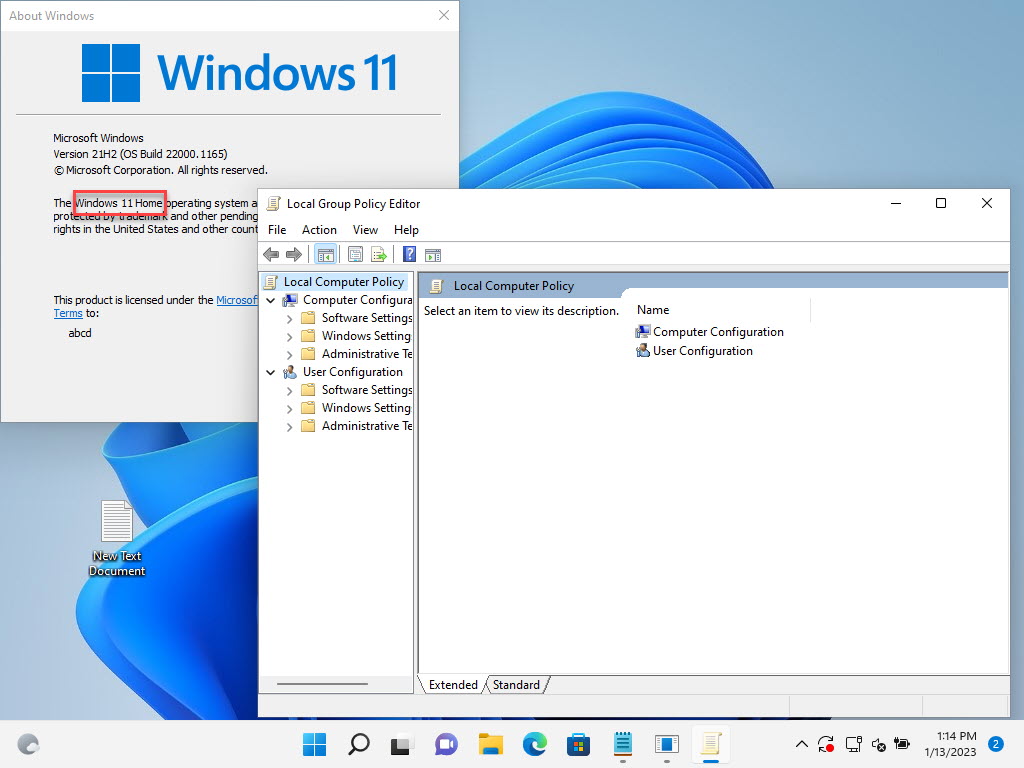
Home එකේ install කරපු Local Group Policy Editor එක.
Alternative Tool: Policy Plus
Note: Policy Plus එක එහි official GitHub repository එකෙන් විතරක් download කරන්න.
1. Policy Plus (open-source) GitHub එකෙන් download කරන්න.
2. Local policies සමාන interface එකකින් edit කරන්න එය run කරන්න.
3. Home එකේ gpedit.msc තාම open වෙන්නේ නැත්නම් ප්රයෝජනවත්.
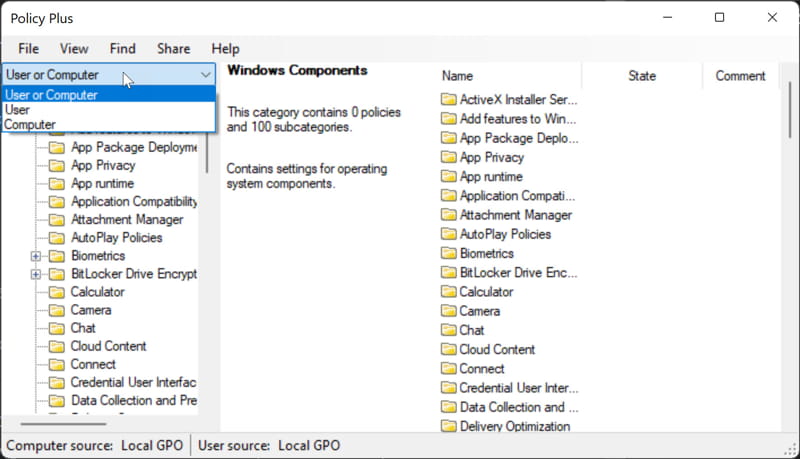
Policy Plus interface එක.
Troubleshooting
Problem: gpedit.msc තාම හම්බ වෙන්නේ නෑ.
Solution: DISM script එක administrator විදිහට නැවත run කරලා reboot කරන්න; සියලුම packages error නැතුව install වුණාද කියලා තහවුරු කරගන්න.
Problem: Policies effect වෙන්නේ නෑ.
Solution: gpupdate /force run කරන්න; Home එකේ Pro එකට වඩා policy enforcement සීමිත බව මතක තියාගන්න.
Problem: Changes revert වෙනවා.
Solution: Home එකේ සමහර policies සම්පූර්ණයෙන් honour වෙන්නේ නෑ — ඊට සමාන Registry tweak එක වඩා විශ්වාසදායක වෙන්න පුළුවන්.
Problem: DISM error දෙනවා.
Solution: Windows update වෙලා තියෙනවාද, component store එක healthy ද කියලා තහවුරු කරගන්න (මුලින්ම DISM /RestoreHealth run කරන්න).
Conclusion
Windows 11 Home එකට Group Policy Editor එක add කරන්න පුළුවන් Microsoft ගේ in-box packages DISM හරහා — external installer එකක් අවශ්ය නෑ. Enable කරාට පස්සේ gpedit.msc Pro එකේ වගේම work කරනවා, සහ ඔබ කැමති නම් Policy Plus හොඳ open-source alternative එකක්.
About SoftwareKey.lk
මේ guide එක SoftwareKey.lk Knowledge Base එකේ කොටසක්. තව step-by-step IT guides සහ support වලට softwarekey.lk එකට යන්න.