












Overview
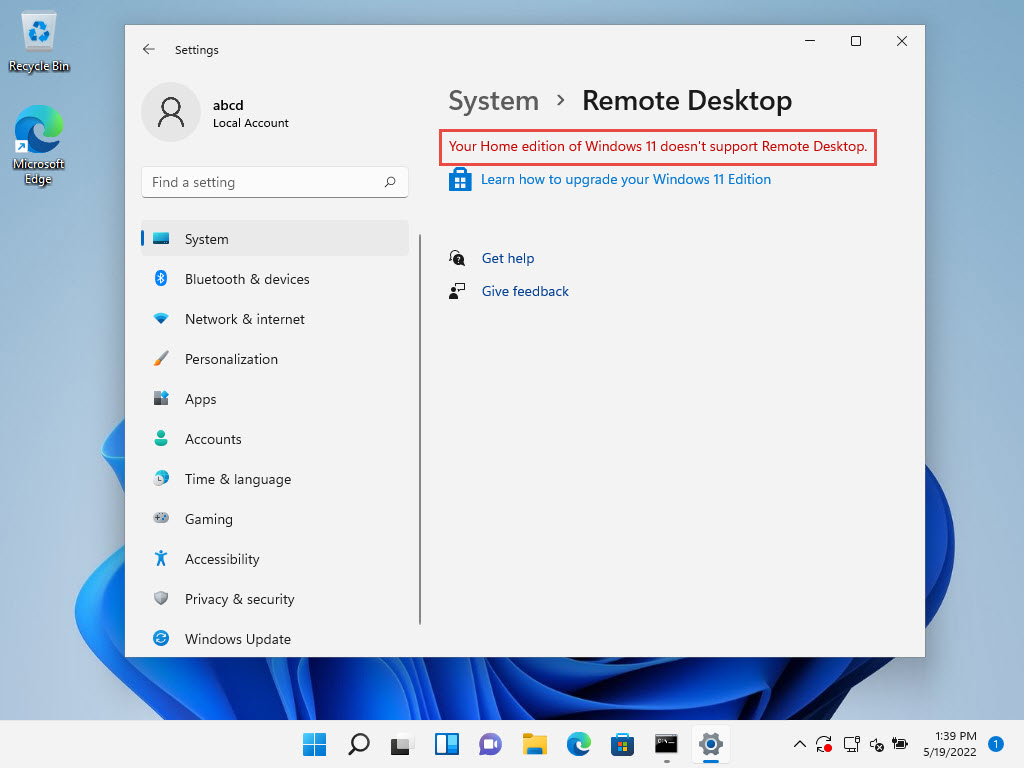
Local Group Policy Editor (gpedit.msc) එක Windows Pro සහ Enterprise වල තියෙනවා, ඒත් Home එකේ නෑ — ඒ නිසා Home users ලාට "gpedit.msc not found" error එක එනවා. ඕන components තවම Home එකේ තියෙනවා, ඒවා enable කරන්න පුළුවන්. මේ guide එකෙන් ඒ ආකාරය, එක්කම portable alternative එකකුත් පෙන්නනවා.
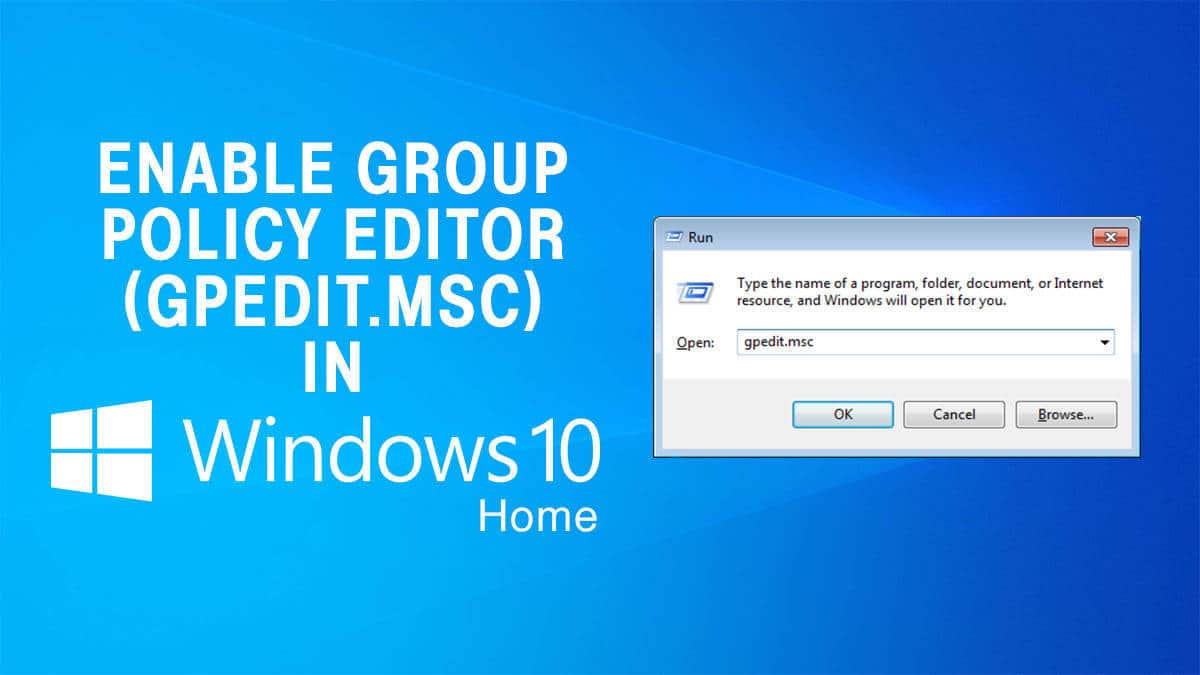
Windows Home editions වල Group Policy Editor එක enable කරන්න.
Key Takeaways
- gpedit.msc Home එකේ නෑ, ඒත් ඒකේ components OS එක්කම එනවා.
- කෙටි DISM script එකකින් third-party software නැතුව editor එක enable කරන්න.
- Policy Plus කියන්නේ Home එකේ direct වැඩ කරන portable alternative එකක්.
- සමහර Pro/Enterprise-only policies Home එකේ effect නොවෙන්න පුළුවන්.
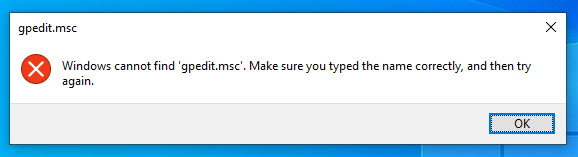
Windows Home එකේ "gpedit.msc not recognized" error එක.
Method 1 — DISM Script එකකින් gpedit Enable කරන්න
1. Notepad open කරලා Group Policy packages install කරන script එකක් paste කරන්න, උදාහරණයක්:
2. FOR %F IN ("%SystemRoot%\servicing\Packages\Microsoft-Windows-GroupPolicy-ClientTools-Package~*.mum") DO (DISM /Online /NoRestart /Add-Package:"%F")
3. FOR %F IN ("%SystemRoot%\servicing\Packages\Microsoft-Windows-GroupPolicy-ClientExtensions-Package~*.mum") DO (DISM /Online /NoRestart /Add-Package:"%F")
4. File එක .bat extension එකකින් save කරලා, right-click කරලා Run as administrator.
5. ඉවර වෙනකම් ඉඳලා, gpedit.msc run කරලා test කරන්න.
Method 2 — Group Policy Editor එක Open කරන්න
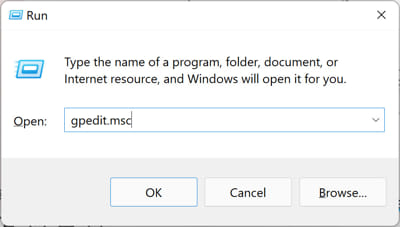
1. Windows key + R press කරලා gpedit.msc type කරලා Enter කරන්න.
2. Local Group Policy Editor එක open වෙනවා.
3. Policies වෙනස් කරන්න Computer Configuration සහ User Configuration browse කරන්න.
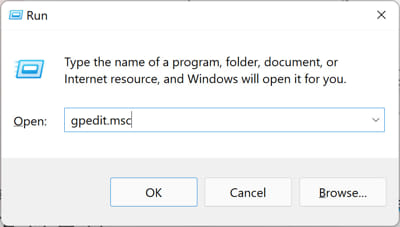
gpedit.msc command එකෙන් Group Policy Editor එක open කරන්න.
Method 3 — Policy Plus පාවිච්චි කරන්න (Portable Alternative)
1. Policy Plus එකේ official open-source page එකෙන් download කරන්න.
2. Portable executable එක run කරන්න (install එකක් ඕන නෑ).
3. ඒක Group Policy-style interface එකක් දෙනවා, Home editions වල වැඩ කරනවා, registry-backed policies edit කරන්නත් පුළුවන්.
Limitations
- සමහර policies Pro/Enterprise editions වල විතරයි honour වෙන්නේ, Home එකේ apply නොවෙන්න පුළුවන්.
- ගොඩක් policies registry values write කරනවා විතරයි — ඒවා සාමාන්යයෙන් හැම තැනම වැඩ කරනවා.
- Unsupported policies වලට, equivalent registry key එක direct edit කරන්න.
Troubleshooting
Problem: Script එකෙන් පස්සෙත් gpedit.msc නෑ.
Solution: .bat file එක administrator විදිහට ආපහු run කරලා, ClientTools සහ ClientExtensions packages දෙකම errors නැතුව install වුණාද බලන්න.
Problem: Policy එකකට effect එකක් නෑ.
Solution: ඒක Pro/Enterprise-only වෙන්න පුළුවන්. Equivalent registry change එක apply කරන්න, නැත්නම් Policy Plus පාවිච්චි කරන්න.
Problem: Script එක errors දෙනවා.
Solution: ඒක elevated විදිහට run කළාද, Packages folder paths තියෙනවද බලන්න; සමහර third-party "installers" risky — built-in DISM method එක prefer කරන්න.
Problem: OS එක modify කරන්න කැමති නෑ.
Solution: Built-in editor එක enable නොකර portably run වෙන Policy Plus පාවිච්චි කරන්න.
Conclusion
Built-in components enable කරන කෙටි DISM script එකකින්, නැත්නම් සරලවම Policy Plus run කරලා, Windows Home එකට Group Policy Editor එක ගේන්න පුළුවන්. හැබැයි මතක තියාගන්න, policies කිහිපයක් Pro/Enterprise-only විදිහට තියෙනවා.
About SoftwareKey.lk
මේ guide එක SoftwareKey.lk Knowledge Base එකේ කොටසක්. තව step-by-step IT guides සහ support වලට softwarekey.lk එකට යන්න.