Overview
Get-ADUser කියන්නේ Active Directory user information retrieve කරන්න go-to PowerShell cmdlet එක. මේ guide එකෙන් Windows සහ Server වල AD PowerShell module එක install කරලා, user details query කරලා export කරන ආකාරය පෙන්නනවා.
PowerShell එකෙන් Active Directory user info හොයන්න.
Key Takeaways
- Get-ADUser කියන්නේ Active Directory PowerShell module (RSAT) එකේ කොටසක්.
- Windows එකේ RSAT හෝ Server එකේ AD role/feature install කරන්න.
- ඔබට ඕන data target කරන්න -Filter සහ -Properties පාවිච්චි කරන්න.
- Reporting වලට results CSV එකට export කරන්න.
Windows එකේ AD PowerShell Module එක Install කරන්න
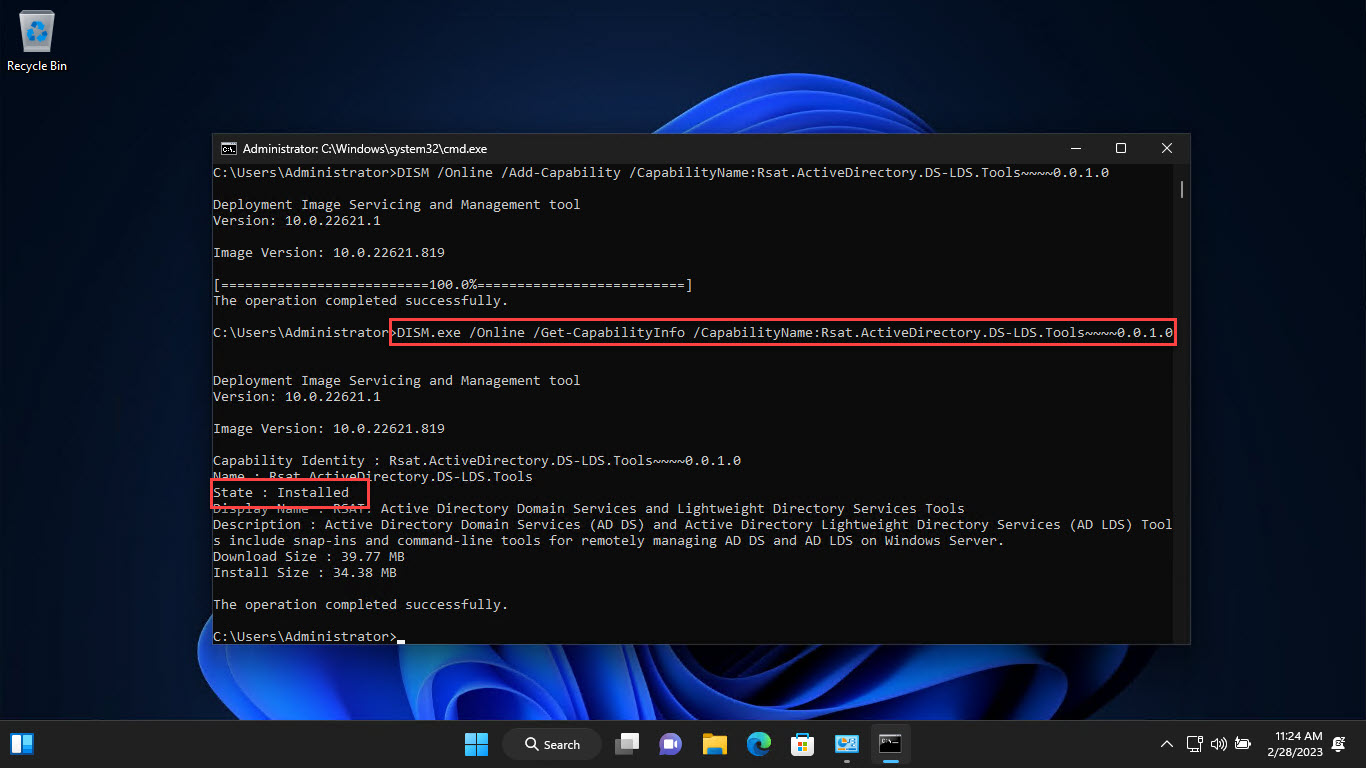
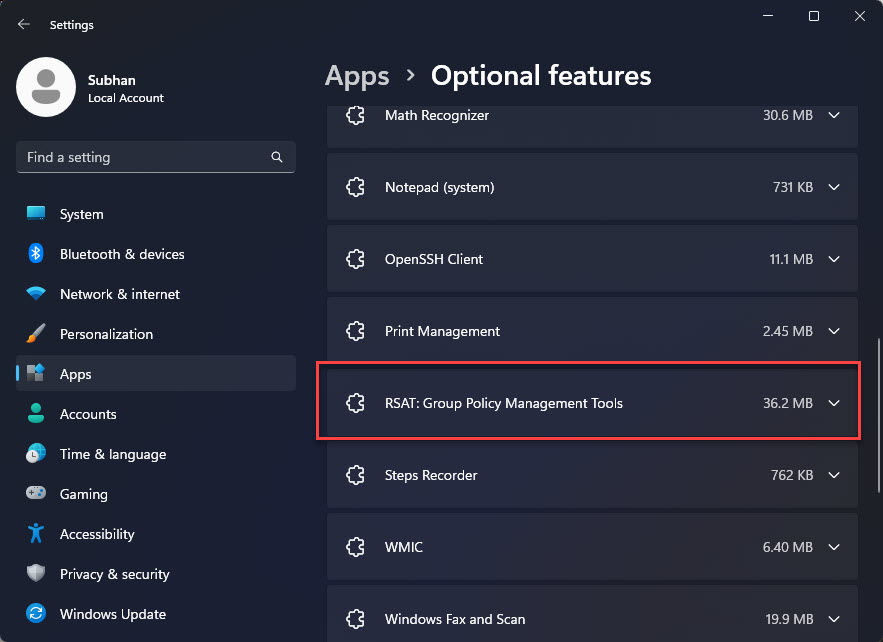
1. Settings > Apps > Optional features > Add an optional feature open කරන්න.
2. "RSAT: Active Directory Domain Services and Lightweight Directory Services Tools" search කරලා install කරන්න.
3. නැත්නම්, elevated PowerShell එකක run කරන්න: Add-WindowsCapability -Online -Name "Rsat.ActiveDirectory.DS-LDS.Tools~~~~0.0.1.0"
4. Import කරන්න: Import-Module ActiveDirectory
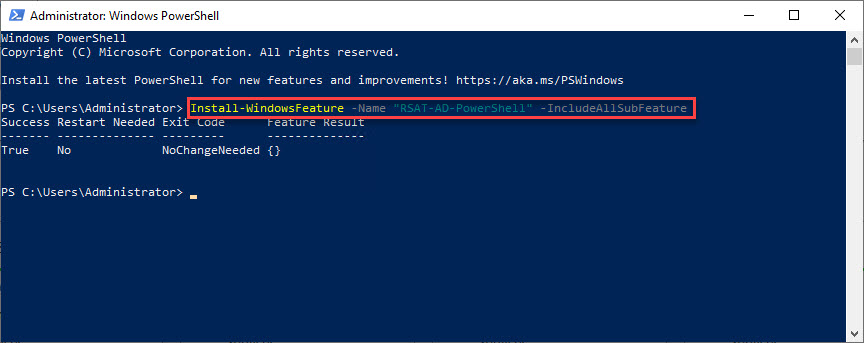
AD PowerShell module එක install කරනවා.
Windows Server එකේ Install කරන්න
1. Server Manager > Add Roles and Features open කරන්න.
2. RSAT යටතේ "Active Directory module for Windows PowerShell" add කරන්න, නැත්නම් AD DS role එක install කරන්න.
3. Import-Module ActiveDirectory එකෙන් module එක import කරන්න.
User Information Query කරන්න
1. එක user කෙනෙක් හොයන්න: Get-ADUser -Identity jsmith -Properties *
2. Users filter කරන්න: Get-ADUser -Filter "Department -eq 'IT'" -Properties Department,EmailAddress
3. Specific fields select කරන්න: Get-ADUser -Filter * -Properties EmailAddress | Select Name,SamAccountName,EmailAddress
CSV එකට Export කරන්න
1. Results Export-Csv එකට pipe කරන්න, බ.:
2. Get-ADUser -Filter * -Properties EmailAddress,Department | Select Name,SamAccountName,EmailAddress,Department | Export-Csv C:\users.csv -NoTypeInformation
3. Reporting වලට CSV එක Excel එකේ open කරන්න.
Troubleshooting
Problem: Get-ADUser recognised නෑ.
Solution: RSAT (හෝ Server එකේ AD module) install කරලා Import-Module ActiveDirectory run කරන්න.
Problem: Property එකක් blank පෙන්නනවා.
Solution: ඒක -Properties එකෙන් explicitly add කරන්න; default විදිහට Get-ADUser return කරන්නේ limited set එකක් විතරයි.
Problem: "Cannot find an object with identity".
Solution: SamAccountName/identity එකයි, correct domain එක query කරනවද කියලා බලන්න.
Problem: Access denied.
Solution: AD read කරන්න rights තියෙන account එකකින්, reachable domain controller එකකට PowerShell run කරන්න.
Conclusion
AD PowerShell module එක install කරලා, Get-ADUser එකෙන් administrators ලාට user accounts query කරලා report කරන්න fast, scriptable ක්රමයක් දෙනවා. ඔබට හරියටම ඕන data ගන්න -Filter සහ -Properties combine කරලා, analysis වලට CSV එකට export කරන්න.
About SoftwareKey.lk
මේ guide එක SoftwareKey.lk Knowledge Base එකේ කොටසක්. තව step-by-step IT guides සහ support වලට softwarekey.lk එකට යන්න.