Got Windows Server 2025 Evaluation installed and ready to move to the full Standard or Datacenter edition? Don’t worry; I’ve got you covered. This guide breaks it down step-by-step, so you can upgrade smoothly without any hiccups along the way.
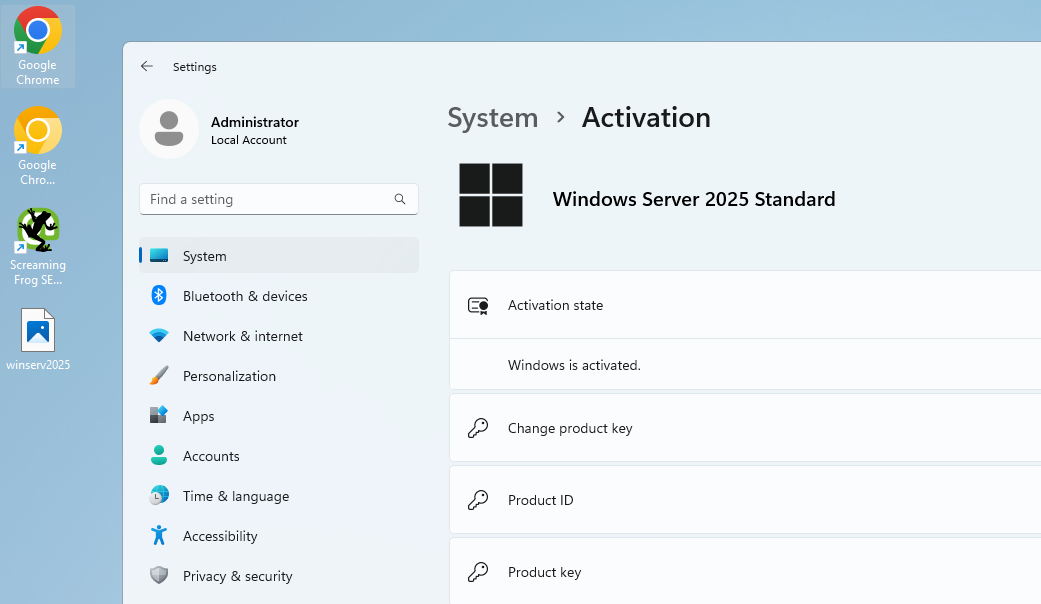
Why Bother Upgrading the Evaluation Edition?
The evaluation version of Windows Server 2025 is brilliant for testing and getting a feel for things, but it has its drawbacks:
- It’s free, but only for 180 days.
- Some of the enterprise features you might need are locked unless you have a proper licence.
- And let’s not forget those persistent activation nags popping up.
Switching to the full version unlocks your server's full power and ensures everything runs like clockwork in production.
Before You Start: The Essentials
This should go without saying, especially if you’ve got important data on the server—but let’s not take any chances. Before diving into the conversion, make sure you’ve got the following covered:
- Back Up Your Data: This process is meant to keep everything intact, but it’s always better to be safe than sorry. A solid backup is your safety net.
- Get a Valid Licence Key: You’ll need a proper product key for either Windows Server 2025 Standard or Datacenter.
- Admin Access: You’ll need admin privileges to run the commands and make changes to the system.
Start your system and open the Command Prompt
Press the Windows + X keyboard shortcut, then select Command Prompt (Admin).
Check the current version of your system using the following command:
DISM /Online /Get-CurrentEditionNext, enter this command into the Command Prompt and press the Enter key. Make sure to read our explanation below the command and replace the marked areas as
needed:
Converting the Edition
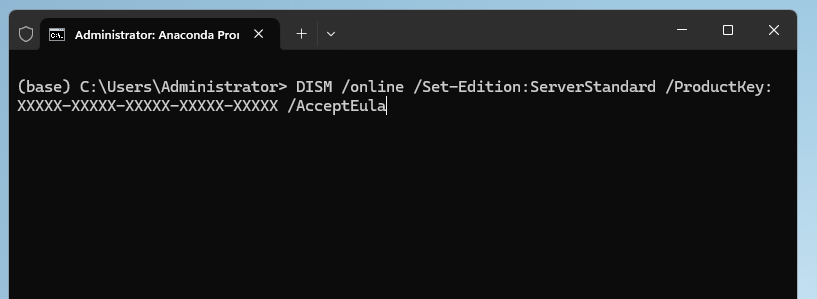
Here’s the command you’ll need to make the switch. Just replace XXXXX-XXXXX-XXXXX-XXXXX-XXXXX with your licence key:
Convert to the standard edition
DISM /online /Set-Edition:ServerStandard /ProductKey:XXXXX-XXXXX-XXXXX-XXXXX-XXXXX /AcceptEulaConvert to datacentre edition
DISM /online /Set-Edition:ServerDatacenter /ProductKey:XXXXX-XXXXX-XXXXX-XXXXX-XXXXX /AcceptEulaHeads up: This process will take a few minutes, and your server will restart automatically during the conversion. Make sure to plan for any necessary downtime beforehand to avoid surprises.
Switching from Windows Server 2025 Evaluation to Standard or Datacenter is a pretty straightforward task as long as you follow these steps carefully. Once upgraded, you’ll have the full power of enterprise-grade features at your fingertips to keep everything running smoothly.