Overview
Windows OEM licenses ආකාර කිහිපයකින් එනවා — SLP, NSLP, COA, සහ DM. ඒවා activate වෙන ආකාරය සහ hardware එකට tie වෙන ආකාරය අනුව වෙනස් වෙනවා. මේ reference එකෙන් එක් එක් type එක සහ ඔබේ PC එක පාවිච්චි කරන්නේ මොකක්ද කියලා check කරන්නේ කොහොමද කියලා පැහැදිලි කරනවා.
Windows OEM product keys වල වර්ග.
Key Takeaways
- OEM keys PC/manufacturer එකට tie වෙනවා, retail වගේ transfer කරන්න බැහැ.
- SLP විසින් OEM එකේ BIOS marker එකට එරෙහිව automatically activate වෙනවා.
- COA කියන්නේ enter කරන්න වෙන sticker/certificate key එකයි.
- DM (Digital Marker) / firmware-embedded keys නවීන PC වල automatically activate වෙනවා.
OEM: SLP (System-Locked Pre-installation)
OEM එකේ BIOS/firmware එකේ ගැලපෙන marker එකක් (SLIC) සහ OEM certificate එකක් තියෙනකොට SLP keys automatically activate වෙනවා. පරණ pre-installed systems වල සුලභයි; manual key entry එකක් ඕන නැහැ.
OEM: NSLP (Non-SLP)
NSLP keys කියන්නේ automatic SLP mechanism එක පාවිච්චි නොකරන OEM keys, ඒවාට manual විදිහට key එකක් enter කරනවා වගේ online/phone activation එකක් අවශ්යයි.
OEM: COA (Certificate of Authenticity)
COA කියන්නේ product key එකක් රැගෙන යන genuine label/certificate එකයි (බොහෝවිට sticker එකක්). SLP activation එක නැත්නම්, activate කරන්න මේ key එක enter කරන්න පුළුවන්. Genuine license එකක් කියන proof එක විදිහට මේක safe තියාගන්න.
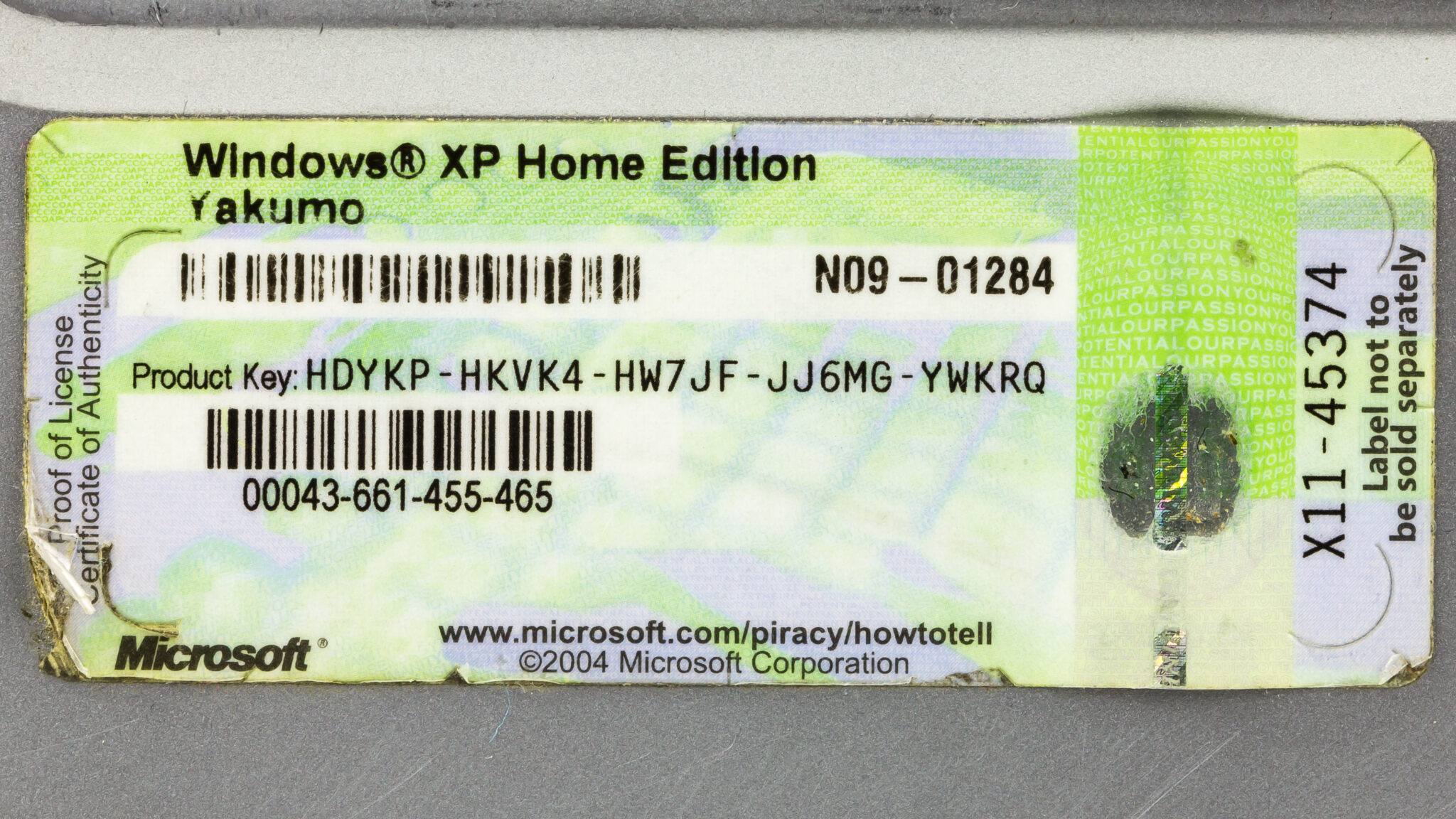
Certificate of Authenticity එකක්.
OEM: DM (Digital Marker / Firmware-Embedded)
නවීන PC වල, product key එක UEFI firmware එකේ embed කරලා තියෙනවා (digital/OEM marker කියලත් කියනවා). Installation එකේදී Windows ඒක automatically read කරනවා, ඒ නිසා manual entry එකක් ඕන නැහැ.
How to Check Your OEM License Type
1. Command Prompt එක administrator විදිහට open කරන්න.
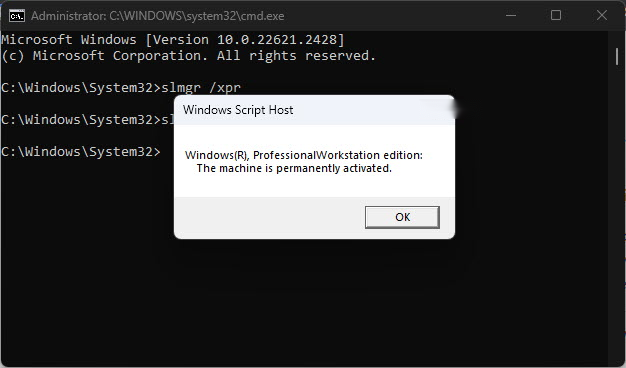
2. slmgr /dlv run කරලා activation/license details බලන්න.
3. PowerShell එකේ (Get-CimInstance -Class SoftwareLicensingService).OA3xOriginalProductKey එකෙන් firmware-embedded key එක check කරන්න.
4. OEM type එක හඳුනාගන්න slmgr output එකේ Description/Channel එක review කරන්න.
Troubleshooting
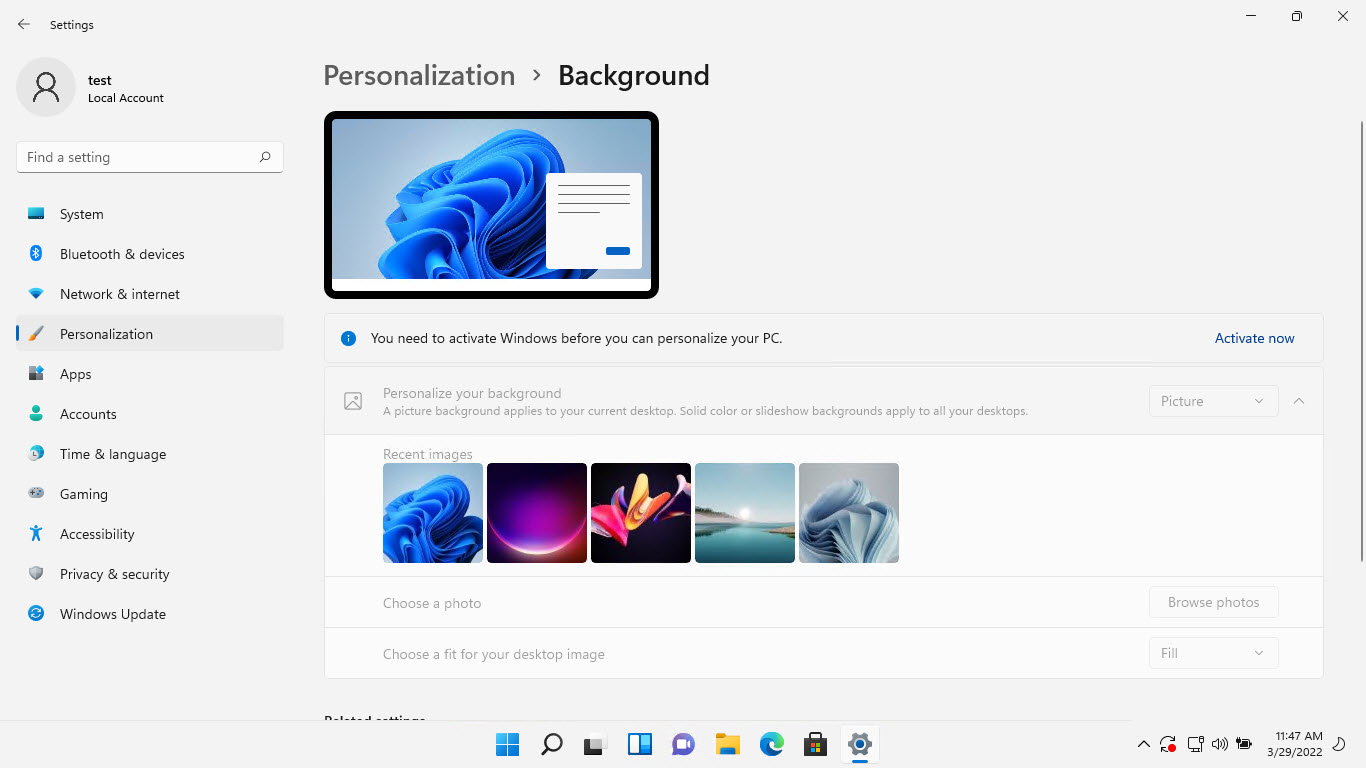
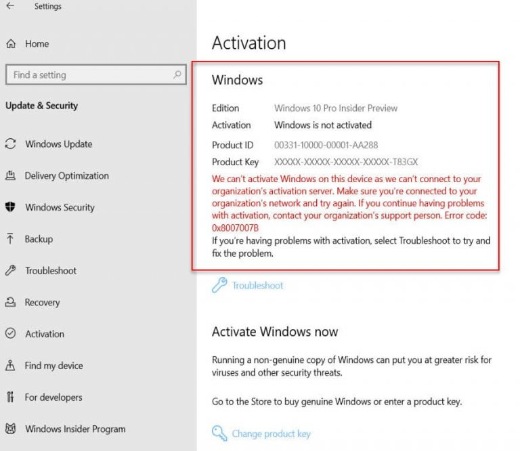
Problem: Windows auto-activate වෙන්නේ නැහැ.
Solution: Firmware key එක missing/mismatch වෙලා තියෙන්න පුළුවන් — නිවැරදි edition එක confirm කරලා COA key එක enter කරන්න හෝ reactivate කරන්න.
Problem: OA3xOriginalProductKey එක blank.
Solution: Firmware-embedded key එකක් නැහැ (පරණ SLP හෝ retail); COA key එක හෝ ඔබේ digital license එක පාවිච්චි කරන්න.
Problem: Edition mismatch.
Solution: Embedded key එකෙන් specific edition එකක් activate කරනවා — ගැලපෙන Windows edition එක install කරන්න.
Problem: License එක transfer කිරීම.
Solution: OEM licenses මුල් PC එකට tie වෙනවා සහ සාමාන්යයෙන් වෙන machine එකකට transfer කරන්න බැහැ.
Conclusion
OEM Windows licenses වෙනස් වෙනවා: SLP සහ firmware-embedded (DM) keys automatically activate වෙනවා, NSLP සහ COA keys වලට manual entry ඕන වෙන්න පුළුවන්. ඔබේ PC එක පාවිච්චි කරන්නේ මොකක්ද කියලා හඳුනාගන්න slmgr /dlv සහ OA3xOriginalProductKey query එක පාවිච්චි කරන්න — සහ OEM licenses මුල් hardware එකත් එක්ක තමයි රැඳෙන්නේ කියලා මතක තියාගන්න.
About SoftwareKey.lk
මේ guide එක SoftwareKey.lk Knowledge Base එකේ කොටසක්. තව step-by-step IT guides සහ support වලට softwarekey.lk එකට යන්න.